Smart stretching
Stretches or compresses a drawing while retaining the line connections
Button: 
Command name: SmartStretch
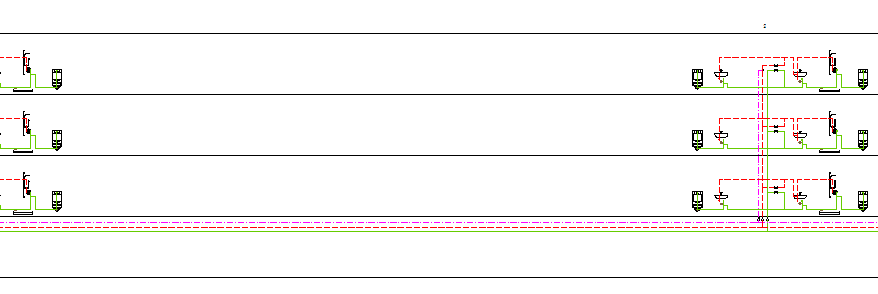
You can use SmartStretch to stretch or compress drawing objects in the drawing without first selecting objects. The drawing objects are moved while retaining the line connections.
-
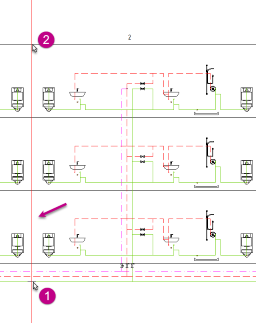
Select the second point of the boundary edge.
A red auxiliary beam is displayed.
-
Select the point to which the drawing objects are to be moved.
Note:You have the objects at the crosshairs and an overview of the point selection.
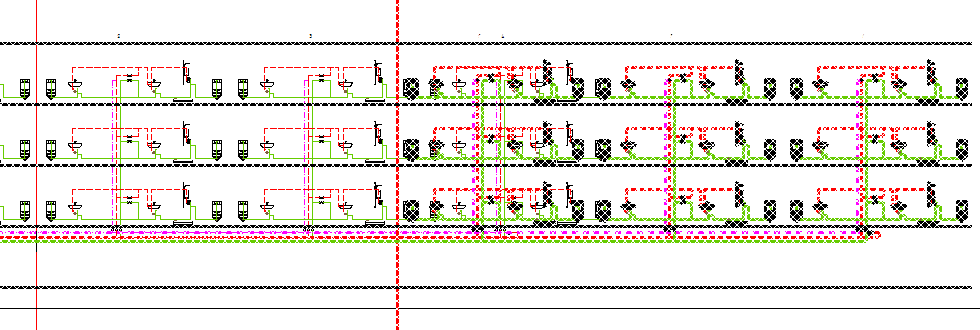 The corresponding objects are moved with the line connections.