
Connecting components
Connects components to the pipe network
Button: 
Command name: ConnectComponent
-
In the command options, select the connection type for the drinking water, waste water or heating trades.
Tip:You can change the connection type while executing the command. To do this, select a different connection type after executing the command without ending the command.
-
Select the desired connection type from the drop-down menu in the DHW trade.
Note:If you have selected the connection type No connection, no component connection takes place.
Possible connection types in the drinking water section:
T-piece passage 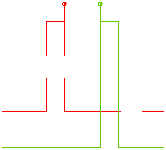
Double wall disc 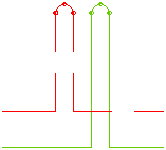
Stub pipe 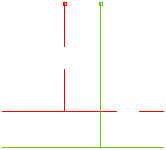
T-piece outlet 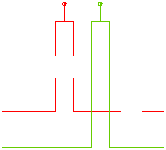
Thermal separator 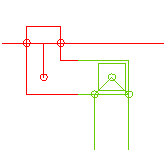
-
Select the desired connection type from the drop-down menu in the waste water section.
Note:In the waste water layer, it is necessary to draw in the direction of flow so that the chamfering takes place in the correct direction.Note:If you have selected the connection type No connection, there will be no component connection.Connection type in the waste water section:
Chamfer 45°
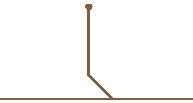
-
Activate the Flow-controlled valve checkbox in the Heating section if you want to use a flow-controlled thermostatic valve.
Possible connection types in the heating section
With flow-regulated valve
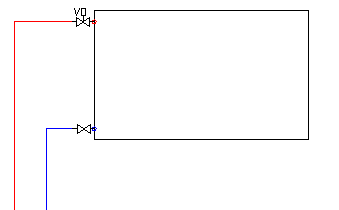
Without flow-regulated valve
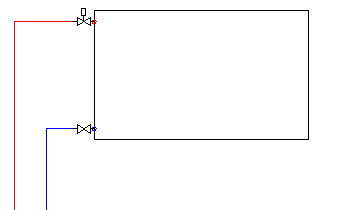
-
Select the desired connection type from the drop-down menu in the DHW trade.
