Chamfer angle
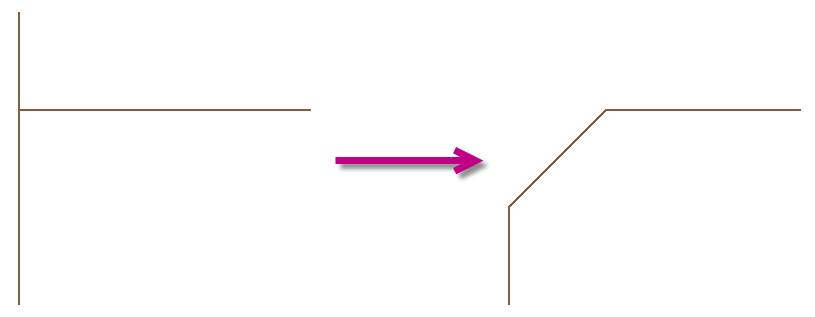
Creates a bevel at the intersection of two lines, the continuing line is cut off
Button: 
Command name: BevelAngle
- With the first mouse click, select the line to be bevelled.
- Select the second line.
The selected lines are bevelled by 45° in the direction of flow at the intersection. The continuing pipe is deleted.