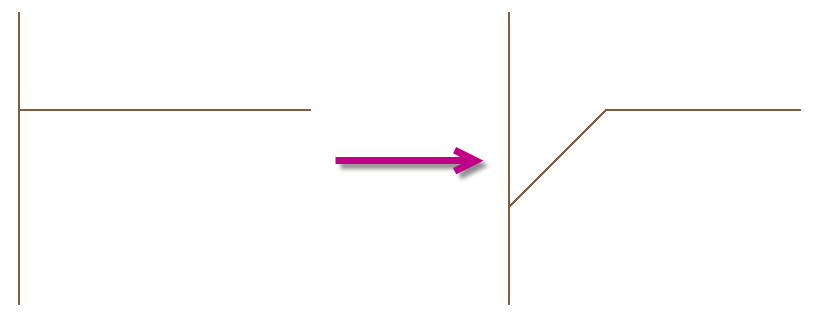
Creates a bevel at the intersection of two cables, the continuing cable is retained
Button: 
Command name: BevelTPiece
-
With the first mouse click, select the line and the flow direction in which the line is to be bevelled.
-
Select the line to be bevelled in the direction of the cross.
Note: The connection is made in the direction of the click point used to select the pipe.
-
Once you have connected a pipe, you can connect further pipes without ending the command.
-
End the command with ESC or the right mouse button.
The selected pipes are bevelled by 45° in the direction of flow at the intersection. The continuing pipe remains in place.
 You can find more information on our YouTube channel.
  You can access the video here
