
Flow divider
Displays the flow splitters and their details in the currently selected flow path
On the left-hand side, you will see a list of all flow dividers with their section numbers. On the right-hand side, the details of the selected flow divider are displayed.
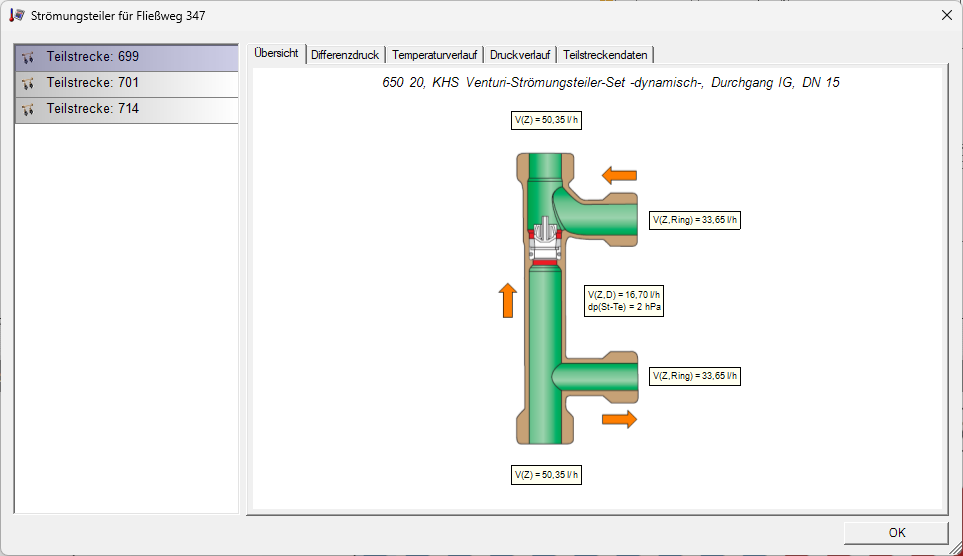
The Overview tab displays the volume flow rates and temperatures at the individual inlets and outlets of the flow divider.
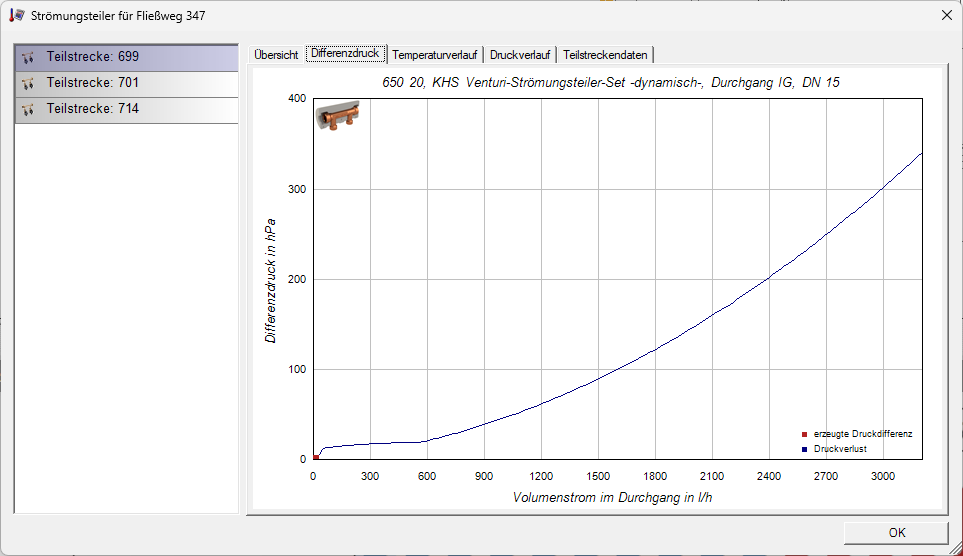
The Differential Pressure tab displays the characteristic curve of the flow divider and the current operating point.
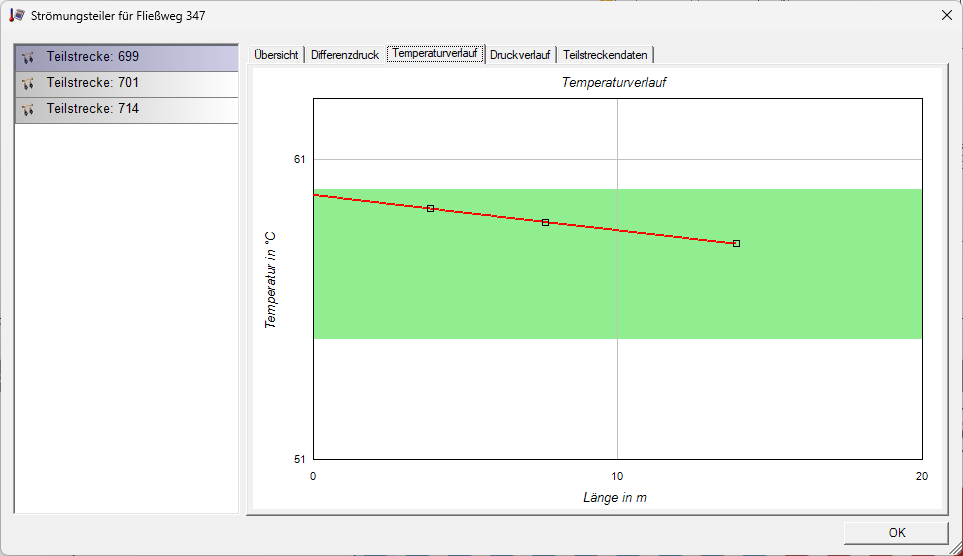
The ‘Temperature Profile’ tab displays the temperature profile relative to the length of the loop behind a flow divider.
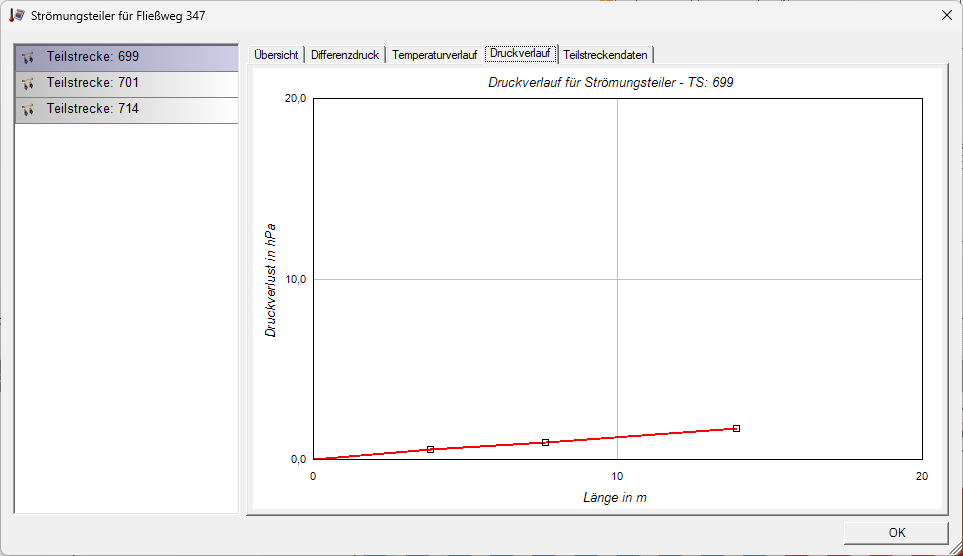
The ‘Pressure Profile’ tab displays the pressure drop relative to the length of the loop behind the flow divider.
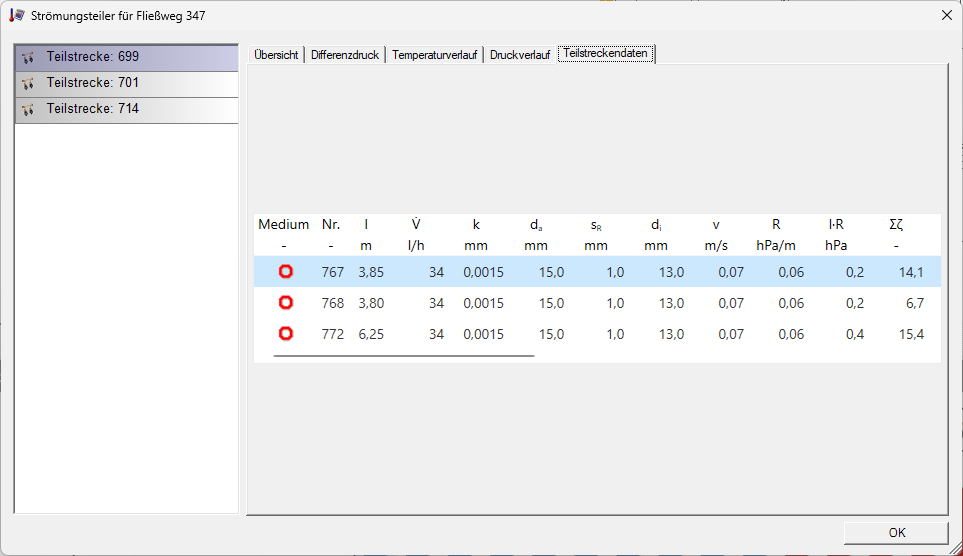
The ‘Section Data ’ tab displays the technical data for the sections downstream of the current flow divider.
Further information can be found on our YouTube channel.
