
Circulation Simulation Documentation
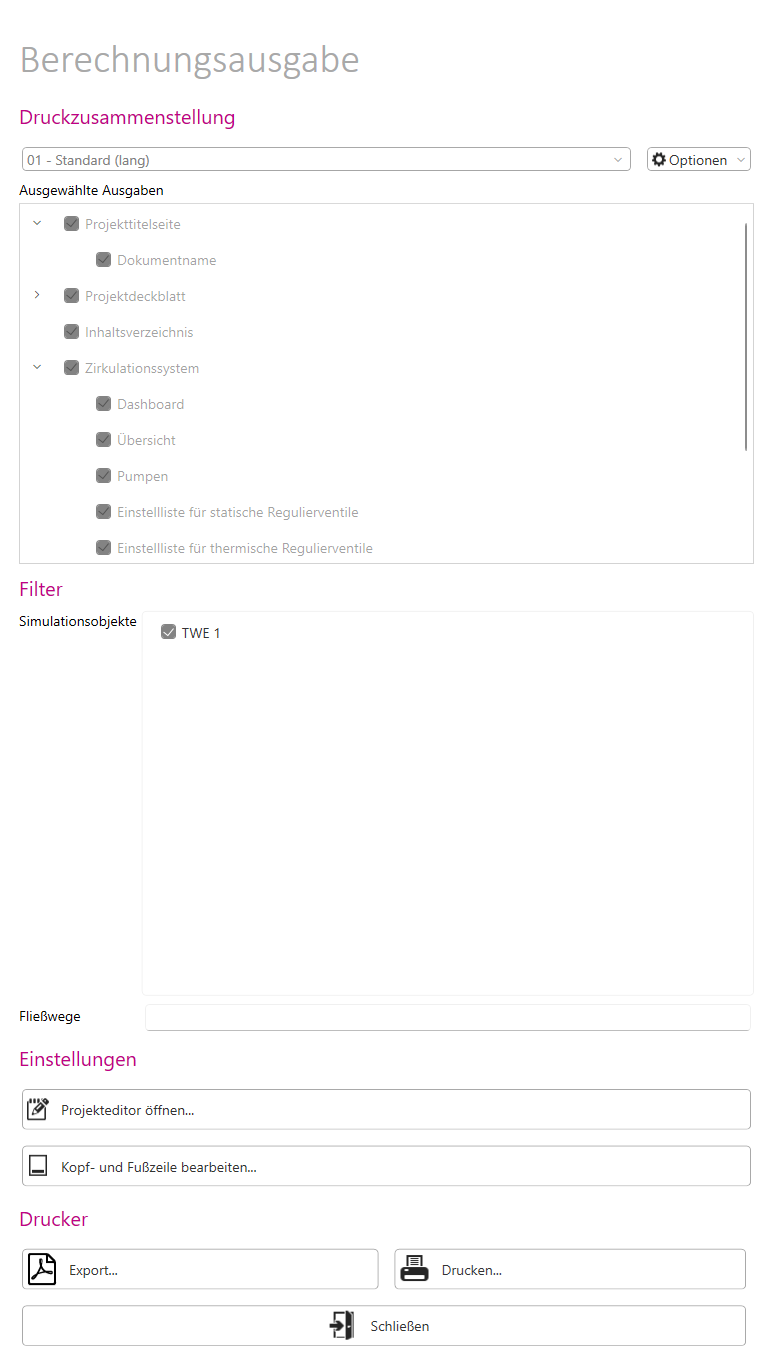
With the preview of the calculation output, STUDIO supports you in customising the calculation output.
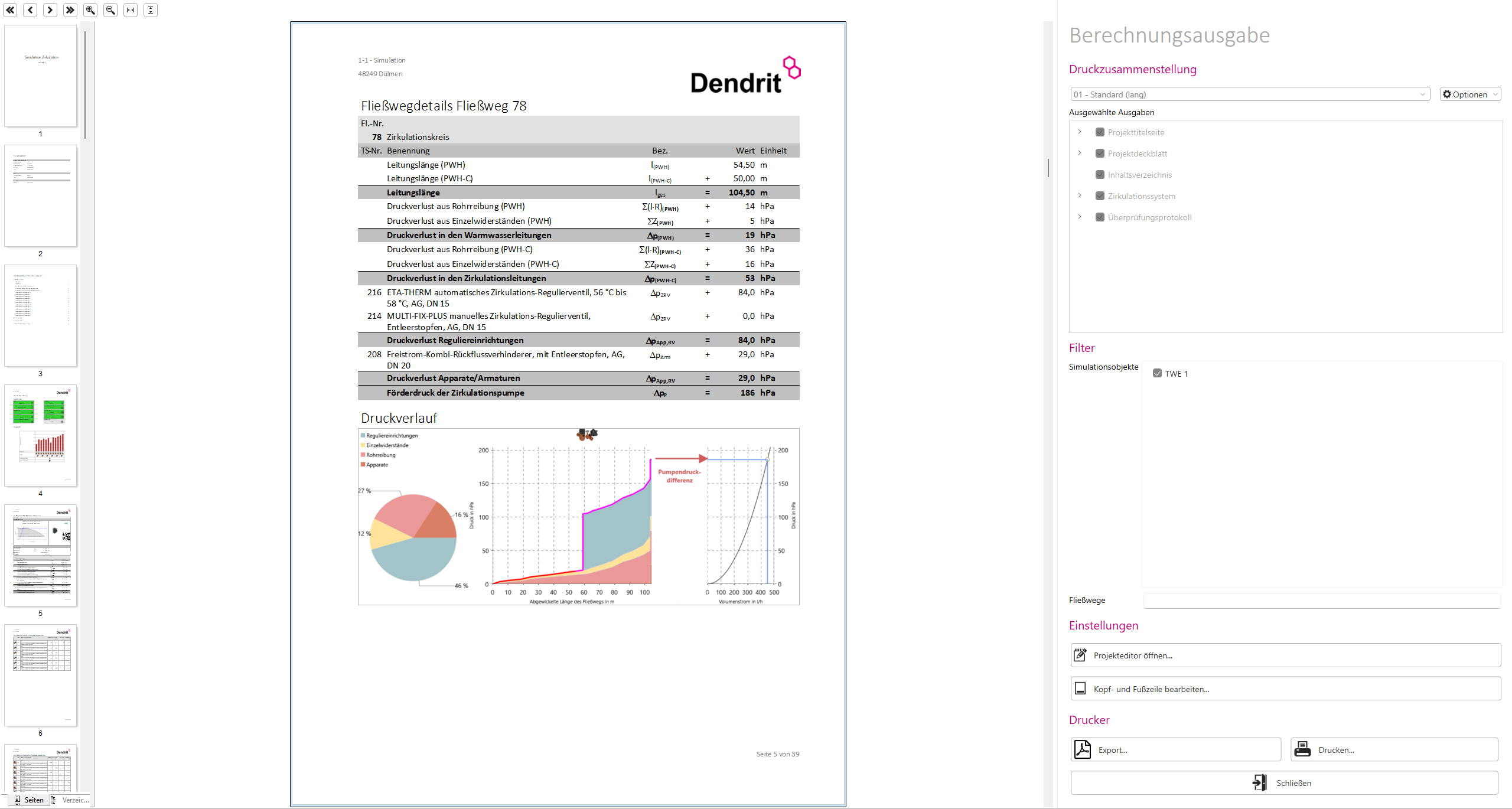
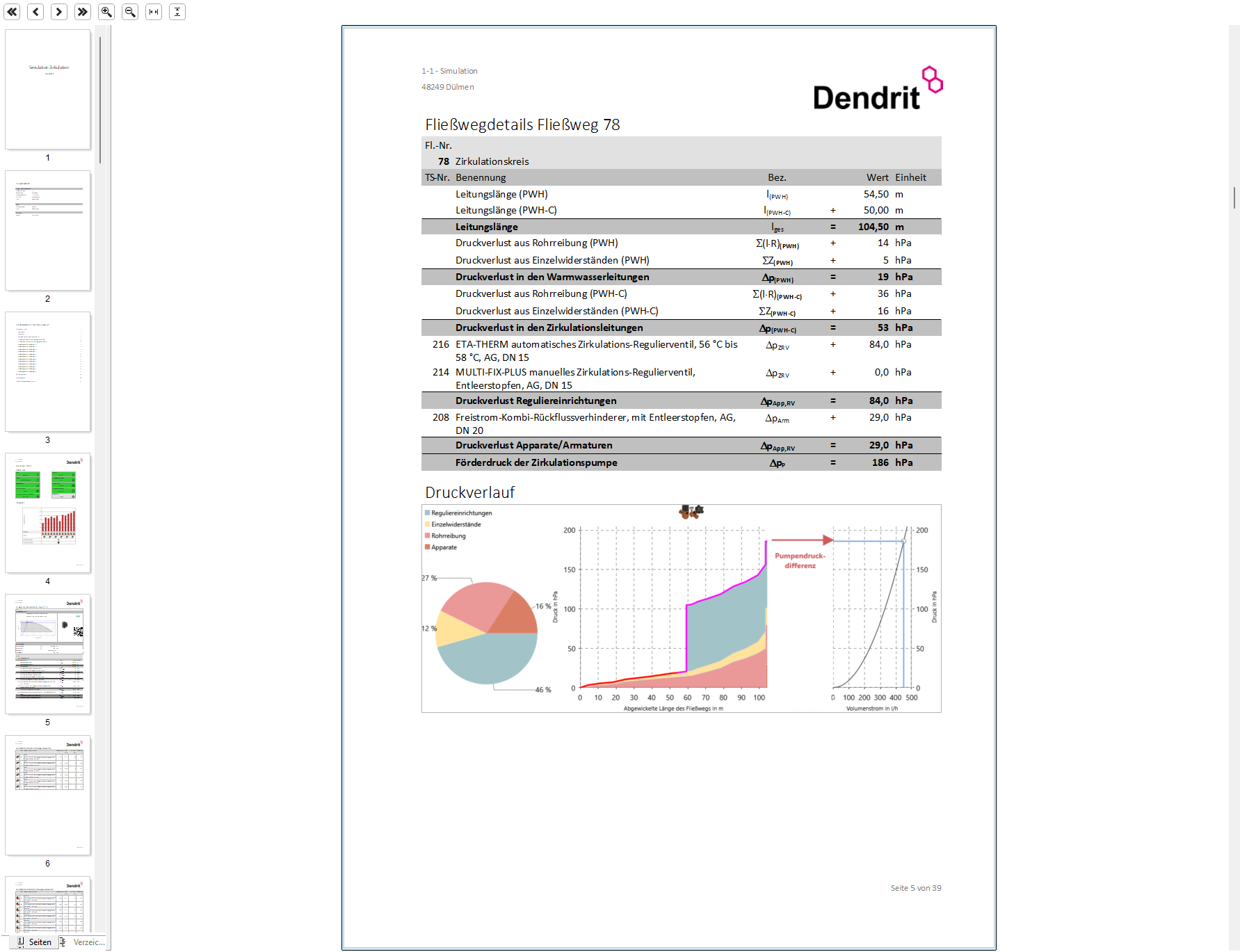
The navigation buttons are displayed in the top right-hand area of the calculation output.
|

|
|
|
The preview view button is displayed in the bottom left-hand area of the calculation output.
|

|
|
|
 button takes you to the first page of the calculation output.
 button takes you back one page from your current page of the calculation output.
 button takes you one page forwards from your current page of the calculation output.
 button to enlarge the display of the detailed view in the calculation output.
 button to reduce the display of the detailed view in the calculation output.
 button displays the detailed view of the calculation output in the maximum available width.
 button displays the detailed view of the calculation output in the maximum available height.
 button displays the preview of the calculation output with page thumbnails.
 button displays the preview of the calculation output with a table of contents for navigation.
Further information can be found on our YouTube channel.
 Click here to watch the video – Pressure analysis Hydraulics report
Click here to watch the video – Drinking Water Project Drinking Water Report