
Valve settings
Displays the valve settings of the currently selected valve
The dialogue appears after double-clicking on one of the symbols for thermal balancing valves and static balancing valves in the pipe network simulation window.
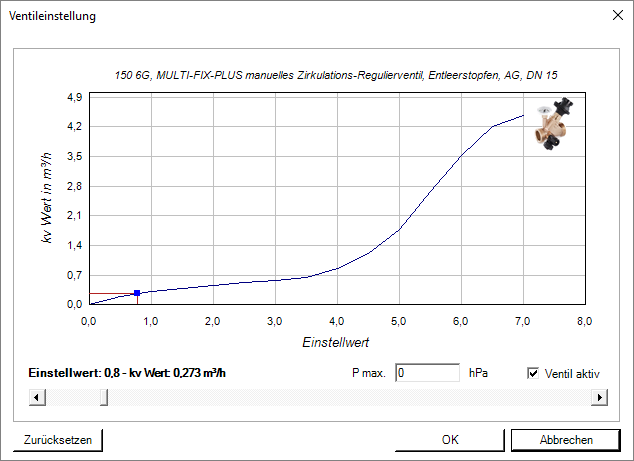
- The scroll bar can be used to change the setting value for valves or the setting and Kv value for balancing valves.
- The maximum pressure that can drop at the valve is entered in the P max. field. If the value is too high, noise may be generated. The simulation is not affected by this value. Only a corresponding error message is issued if the value is exceeded.
- Use the Valve active checkbox to deactivate or activate the valve.
- Use the Reset button to reset the values to the status of the calculation.
You can find more information on our YouTube channel.
