
DHW heater
The DHW heater dialogue shows the settings of the DHW heater or the cold water cooler.
The dialogue appears after double-clicking on the DHW heater or cold water cooler icon in the Pipe network simulation window or by clicking on the DHW or CHP button in the Dashboard (simulation) window.
Note:
If you call up this dialogue after carrying out thermal disinfection, the fields cannot be edited.
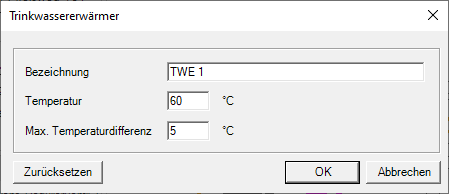
- Change the name of the DHW heater or cold water cooler.
- Change the temperature of the DHW heater or cold water cooler.
- Change the maximum temperature difference of the circulation pipe in K.