
Temperature Profile (Circulation Simulation)
The Temperature Profile window displays the temperature profile in the currently selected circulation circuit.
The Temperature Profile window displays the unfolded pipe length of the hot water circulation flow path.
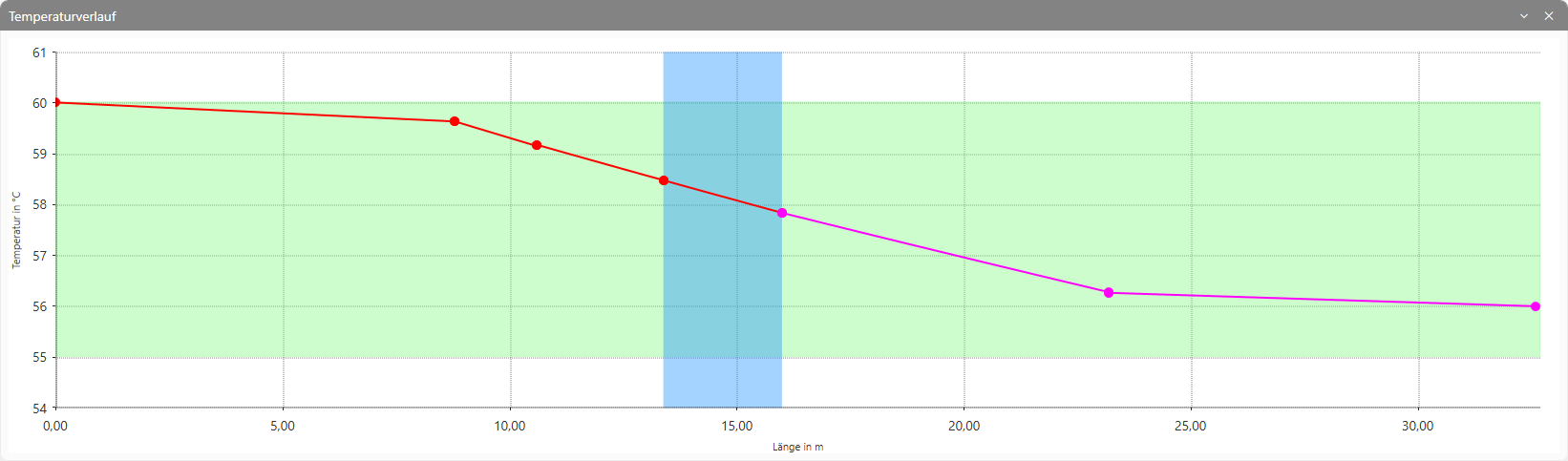
The red line shows the unfolded pipe length of the hot water pipe. The magenta line shows that of the circulation pipe.
The green-hatched area illustrates the temperature range between the domestic hot water heater outlet and the domestic hot water heater inlet. The blue-hatched area illustrates the section marked in blue in the drawing.
The points shown indicate the respective section inlet and section outlet.
Note:
If the flow path includes an in-line circulation system, this is indicated by a grey-shaded area in the characteristic curve.