Display overflows
Displays overflows
Button: 
Command name: ShowOvertoppings
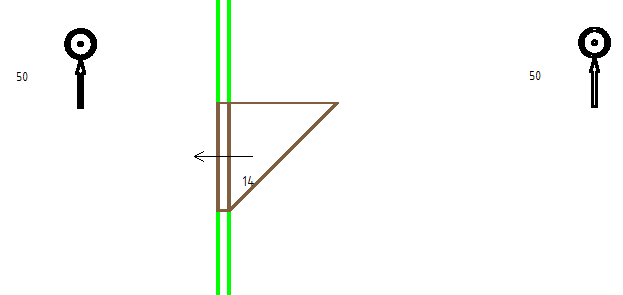
To display the overflows, the corresponding rooms must be connected to a door. In addition, there must be an extract air symbol in one of the rooms.
After setting the extract air and, if applicable, supply air symbols in the respective rooms, start the command call.