
Show 3D model
Displays the 3D model
Button: 
Command name: Show3DModel
Tip:
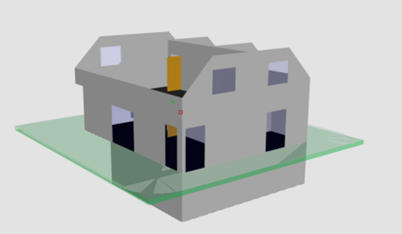
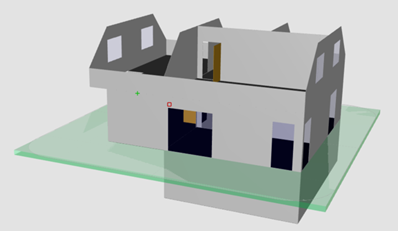
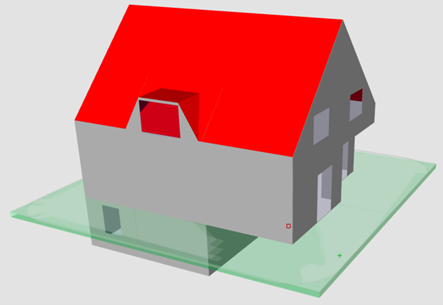
You can take a closer look at the building in the 3D model.Use the 3D model to check whether the tapping of the previous components corresponds to reality.
 |  |
 |
- Move or rotate the building by holding down the mouse wheel.
- Enlarge or reduce the model by rotating it with the mouse wheel.
Attention:
Primary roofs are not displayed in the 3D model (only generated roof surfaces). The walls are nevertheless cut through the primary roof. Here you have a quick overview of whether the roof geometry details have been recognised correctly.
