
Room labelling
In the Room labelling area in the Edit configuration dialogue, you define the settings for room labellingfor the room-based drawing functions.
Room labelling
| Function | Explanation of the function |
|---|---|
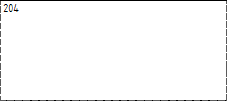
| Alignment Room name | Selection None: |
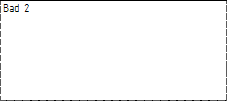
| Left selection: | |
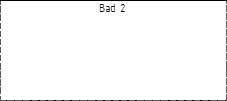
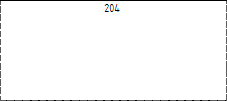
| Centre selection: | |
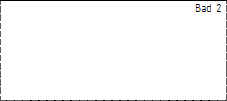
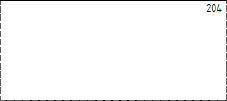
| Right selection: | |
| Room number alignment | Selection None: |
| Left selection: | |
| Centre selection: | |
| Right selection: | |
| Labelling height | The labelling height specification defines the height of the labelling. The font height refers to the scale of 1:100. A font height of 1.75 means that the font is 1.75 cm high. |
| Labelling style | By entering the labelling style, you can select an existing text style for the room labels. The value from the Labelling height input field is used as the text height of the text style. Note: If you enter a style that is not available, the DEND_TEXT style is used. |
Important:
In order for the configuration changes made to be applied to the current drawing, you must call up the function Update all or Update selection again.