
Plot wizard: Select plot area
Displays the settings for the plot area
Automatic option
-
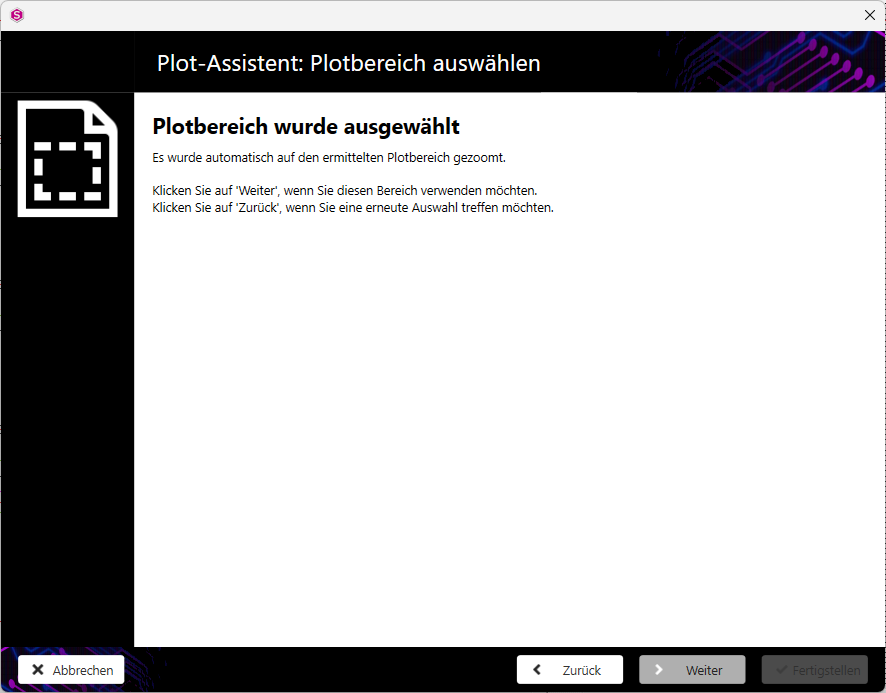
Click on the Next button in the Plot wizard: Select plot areadialogue if you want to retain the automatic selection.
Plot area selection option
-
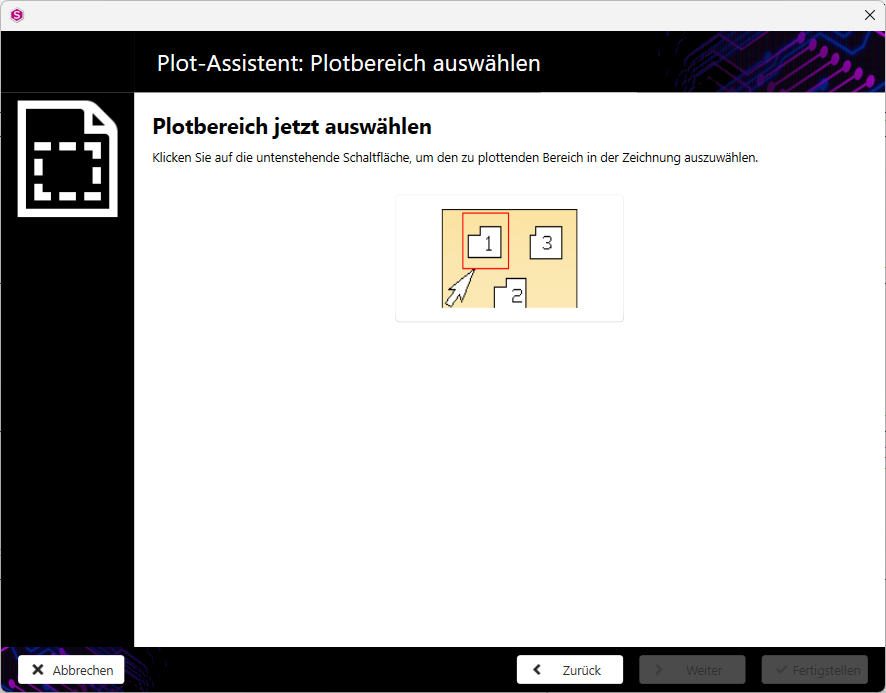
In the Plot wizard: Select plot areadialogue, click on the button.
Note:The Plot wizard: Select plot area dialogue closes. In the drawing, show the bottom left-hand corner of the area to be printed. In the drawing, point to the bottom left-hand corner of the area to be printed. The Plot wizard: Select plot area dialogue then confirms the selection of the plot area.
button.
Note:The Plot wizard: Select plot area dialogue closes. In the drawing, show the bottom left-hand corner of the area to be printed. In the drawing, point to the bottom left-hand corner of the area to be printed. The Plot wizard: Select plot area dialogue then confirms the selection of the plot area.