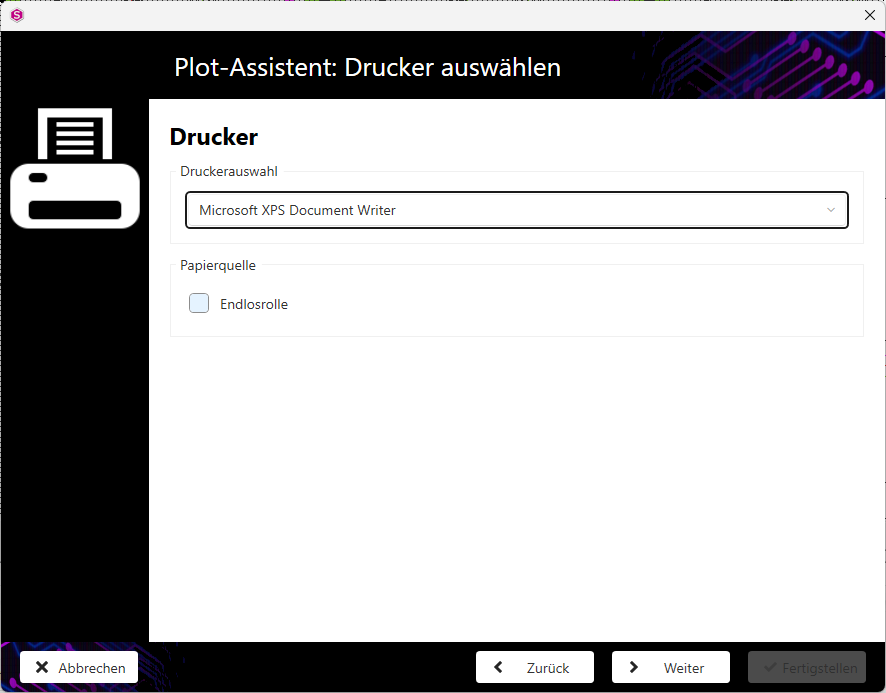
Make the settings for the printer.
-
Select the desired printer from the drop-down menu.
Note: The Continuous roll checkbox can only be activated if the printer supports this function.
-
Click on the Next button to go to the next step of the plot wizard.