
Plot wizard: Select layout
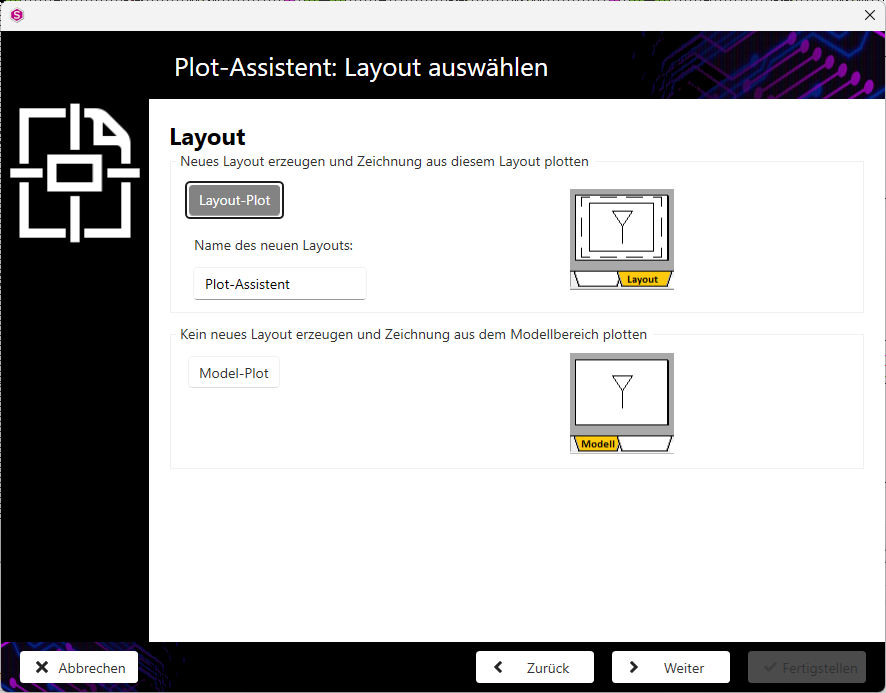
Specify whether a new layout is to be created or whether you want to print directly from the model.
Note:
The dialogue Plot wizard: Select layout is only displayed if the Print as PDF checkbox is deactivated in the dialogue Plot wizard: Select paper(Select paper).
-
Activate the Layout plot button if a new layout is to be created and the print is to be created from this layout.
- Activate the Model plot button if no new layout is to be created and printing is to take place from the model area.
- Click on the Next button to go to the next step of the plot wizard.