
Plot wizard: Select the type of plotting
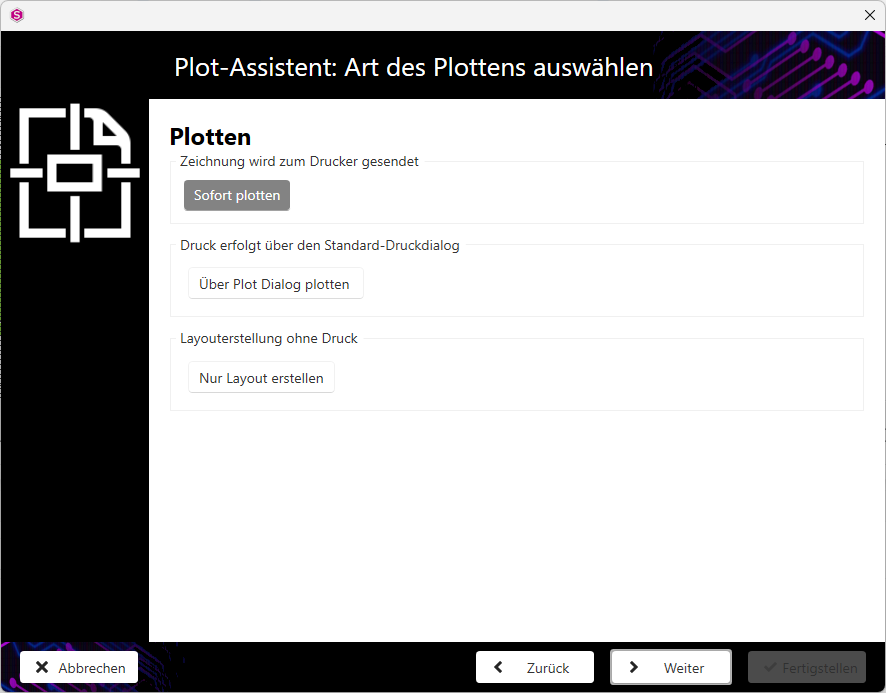
Specify the plotting method.
Note:
The Plot wizard: Select layout dialogue is only displayed if the Print as PDF checkbox is deactivated in the Plot wizard: Select paper(Select paper) dialogue.
- Activate the Plot immediately button if the drawing is to be sent directly to the printer.
- Activate the Plot via plot dialogue button if the plot is to be printed via the standard print dialogue.
- Activate the Create layout only button if you only want to create a new layout without printing.
- Click on the Next button to go to the next step of the plot wizard.