Scale
Enlarges or reduces the selected objects, retains the proportions of the object
Scale button: 
Command name: _Scale
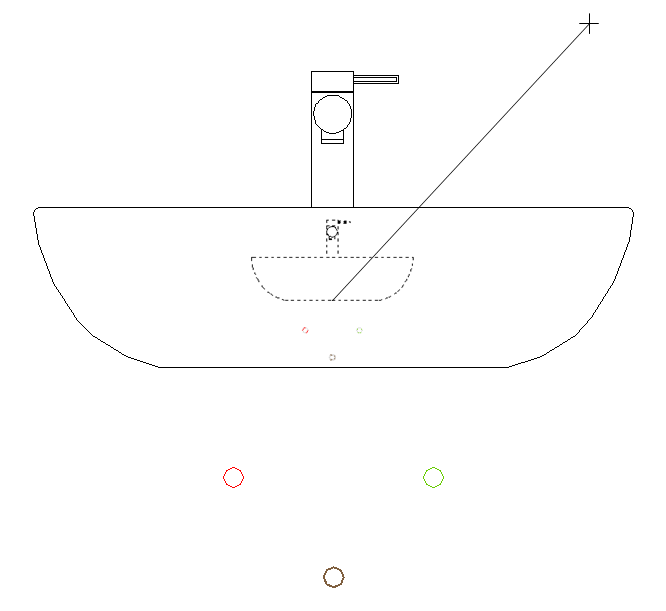
You can use _Scale to scale an object; to do this, you must define a base point and the scaling factor. The base point is the centre point of the scaling process, which does not change. If the scaling factor is greater than 1, the object is enlarged; if the factor is between 0 and 1, it is reduced.
-
Enter the scaling factor in the command line or drag the mouse until the desired scaling factor is reached.