
Stretch
Stretches one or more objects
Button: 
Command name: StretchObject
Use StretchObject to stretch one or more drawing objects that are located in a selection window.
-
Select one or more objects through a selection window that is created using two diagonally opposite points.
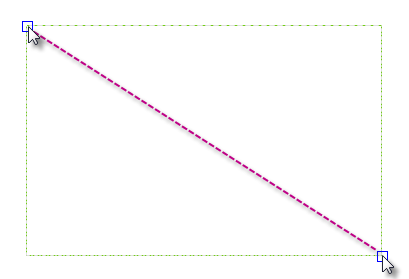
- Select the base point for the stretching process.
- Define a second point that determines the distance and direction.
Note:
All objects that have at least one vertex or end point within the cross selection window are stretched. All objects that lie completely within the cross window or are selected individually are moved without being stretched.