
Create floor frame
Creates a level frame
Button: 
Command name: CreateLevelFrame
Use CreateLevelFrame to create a level frame.
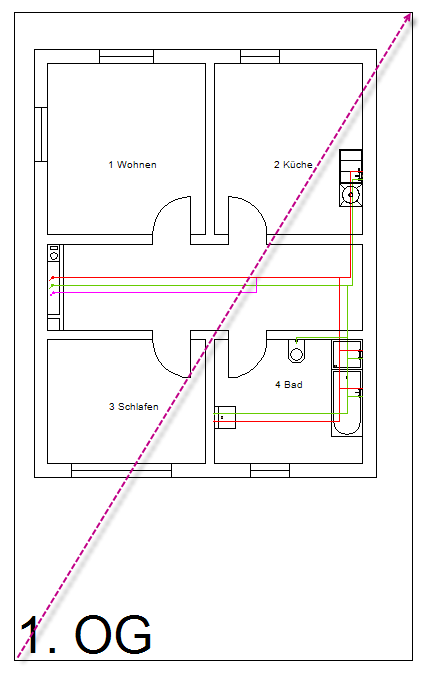
Create a separate level frame for each floor. Drag the level frame diagonally across the floor plan. End the command with the left mouse button.
Note:
The properties of the storey frame can be customised.
You will see in the drawing that a floor frame has been drawn around the floor plan of the floor. Repeat the Create floor frame process for each additional floor.
