
Water withdrawal simulation
The new water withdrawal simulation replaces the previous flushing simulation.
The new water withdrawal simulation has been developed from scratch to meet the growing market demands for more complex water withdrawal scenarios.
In addition to the new capabilities to simulate multiple consumers being opened simultaneously, water withdrawal across pressure zones and withdrawal points in a ring, the new water withdrawal simulation now features two water withdrawal strategies with which the network can be simulated.
Water withdrawal strategies
The new water withdrawal simulation features two water withdrawal strategies.
The‘Flushing’ water withdrawal strategy follows a specific sequence of withdrawals and is carried out as follows:
- Opening of all components of the flushing technique
- Supply line to the fire-fighting water transfer station
- Flushing system for Coolflow systems
- PWH flow paths
- PWC flow paths
- Flow paths to mixed-use outlets
- The criterion for termination is a single water exchange in all sections where water is flowing.
Thewater extraction strategy forcommissioning 806-4 is carried out as follows:
- Opening of all tap points
- All extraction points are opened room by room.
- They are sorted according to the length of the flow path, starting with the shortest flow path.
- Intake points, disregarding flow rate limiters
- The termination criterion is a 20-fold water change in all sections where water is moving.
Simulation user interface
- Thanks to the bidirectional link to all simulation objects, the individual results are easy to trace.
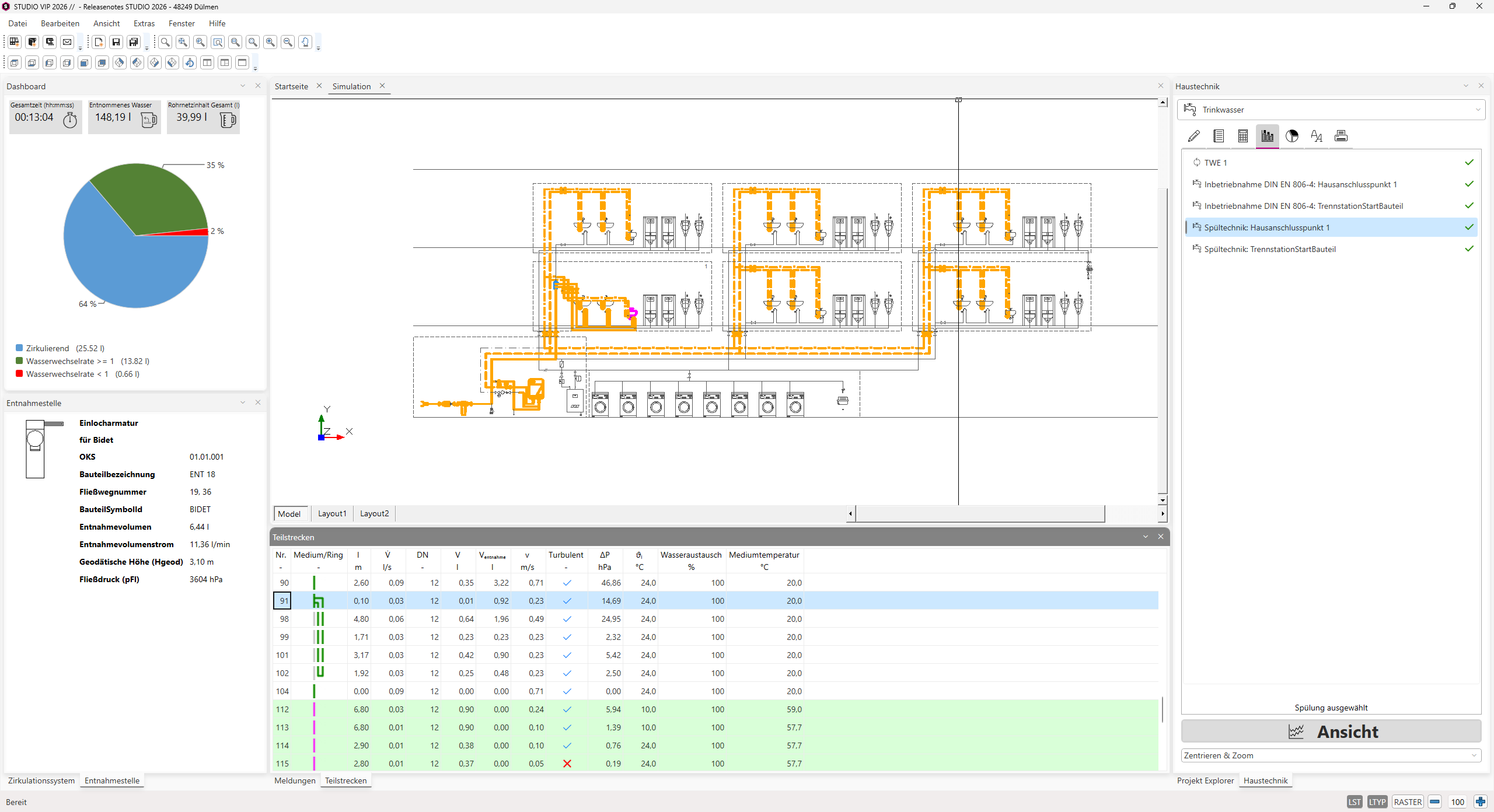
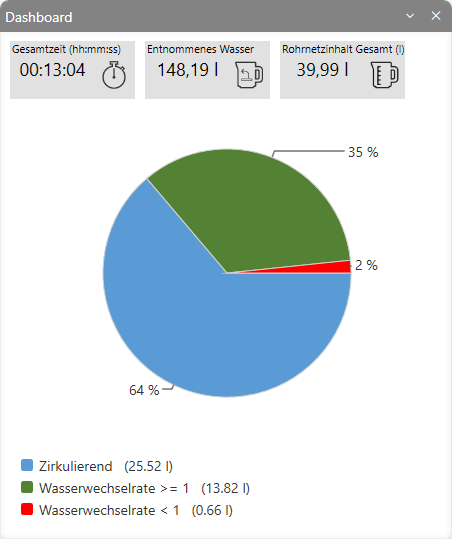
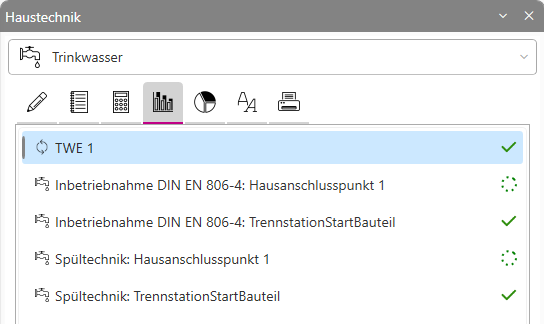
- The ‘Dashboard’ window of the water abstraction simulation manages the simulation results.
- The ‘Water Withdrawal Sequences’ window displays the individual water withdrawal sequences and their additional information in tabular form. The ‘Status’ column indicates whether a water withdrawal was successful or not. A green tick
 indicates that the sequence was carried out successfully. The cancellation symbol
  indicates that the sequence was not successful, for example due to non-turbulent flushing of a section.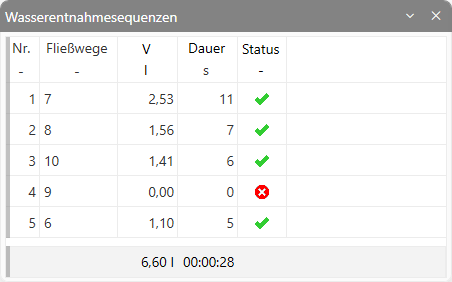
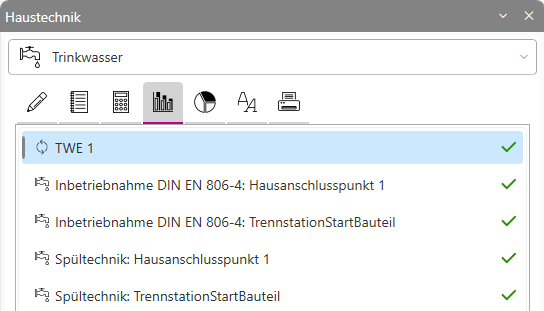
- Simulation objects
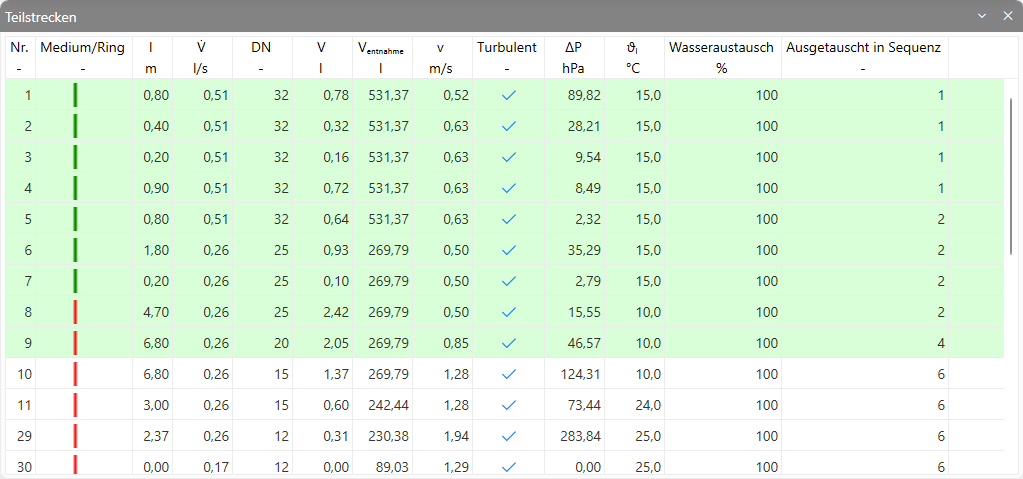
- The section list uses a green background colour for each section to indicate whether a 100 per cent turbulent flush has taken place in a previous water extraction sequence. The sections highlighted in grey are assigned to a circulation loop. Optionally, you can view the sequence from which the water in the section was replaced 100 per cent for the first time.
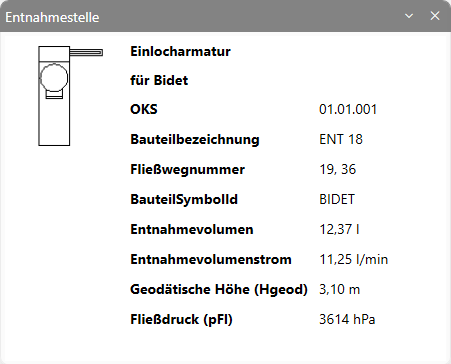
- The ‘Water Outlet’ window displays information about the selected consumer in the current water withdrawal sequence.
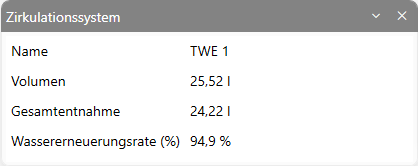
- The Circulation System window displays an overview of the selected circulation section.
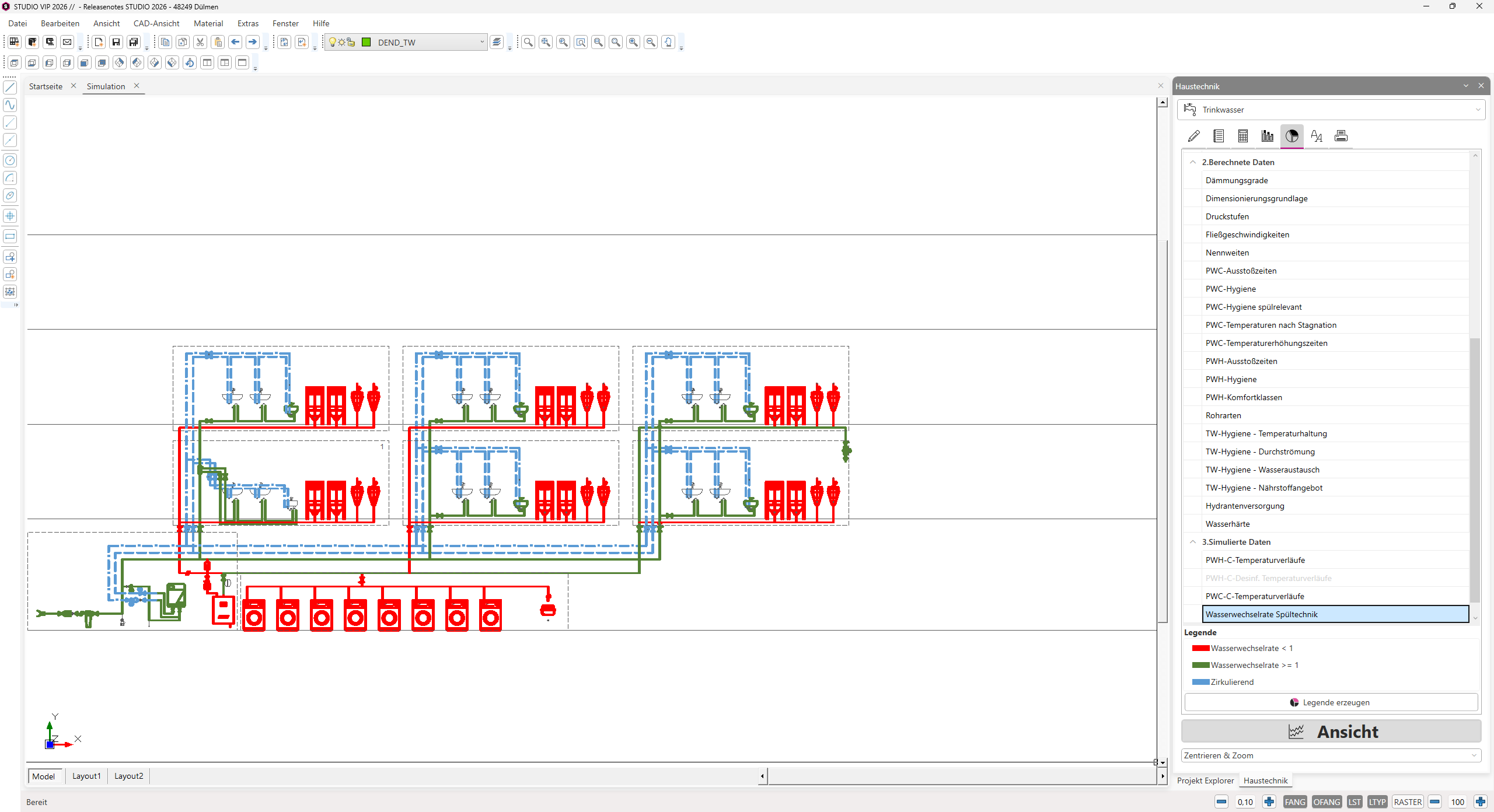
Analysis
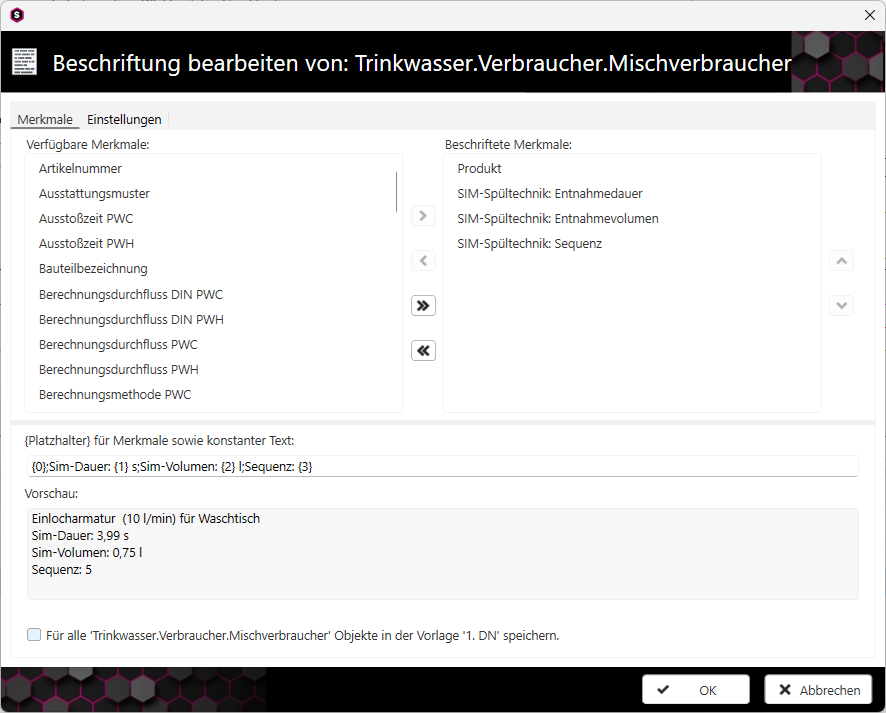
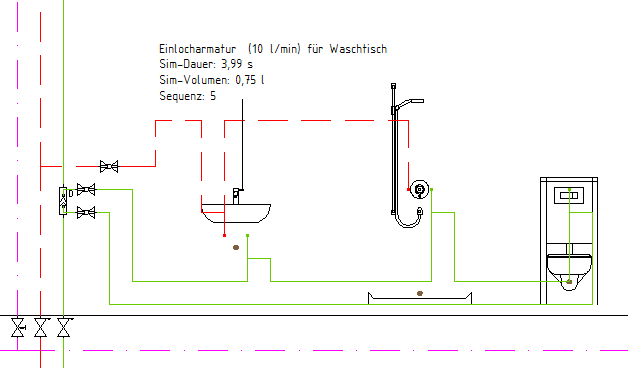
Labelling
 |  |
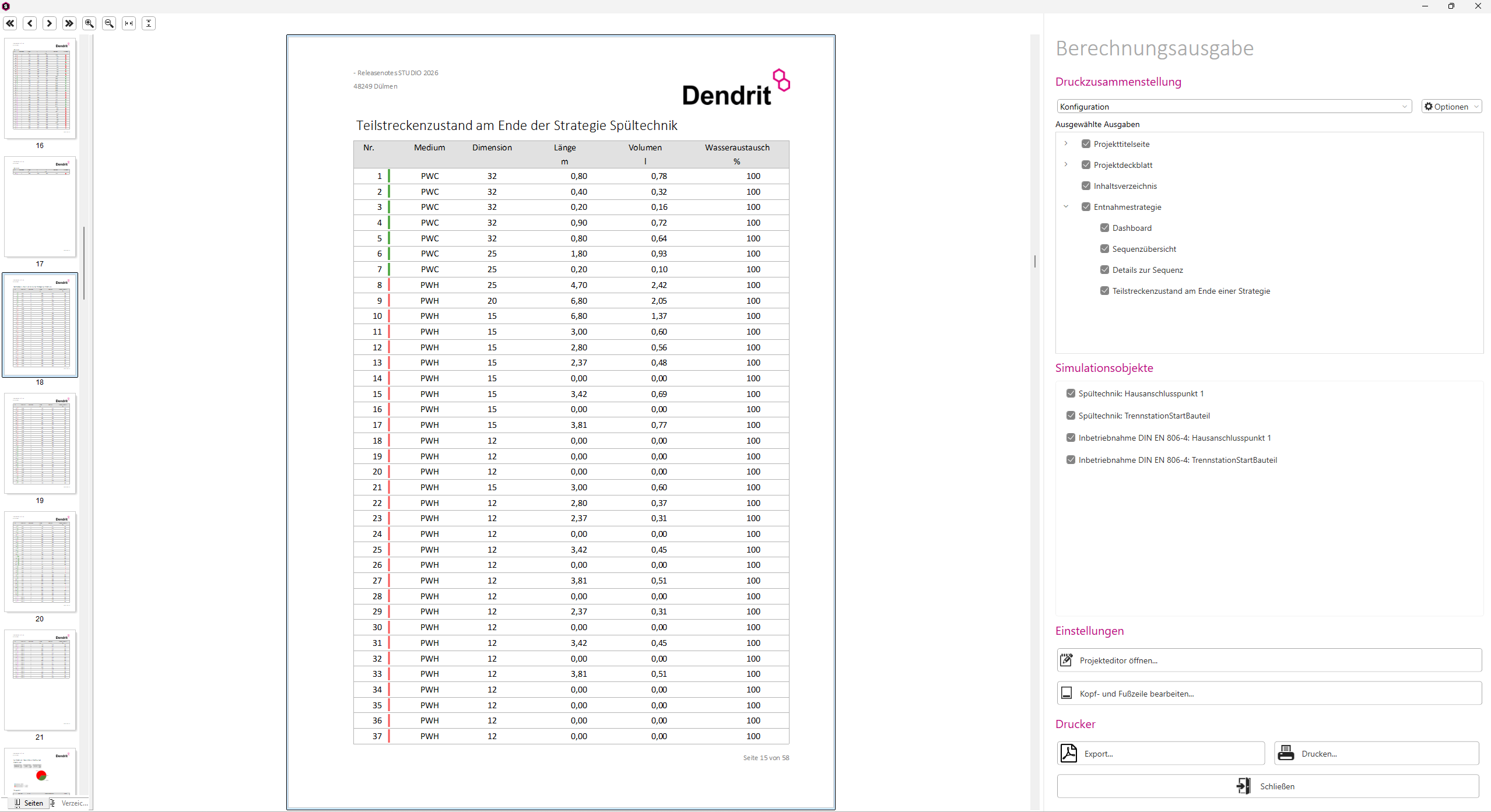
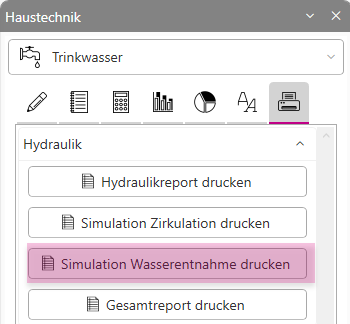
Documentation
 |  |
Performance
 |  |