
Material configuration
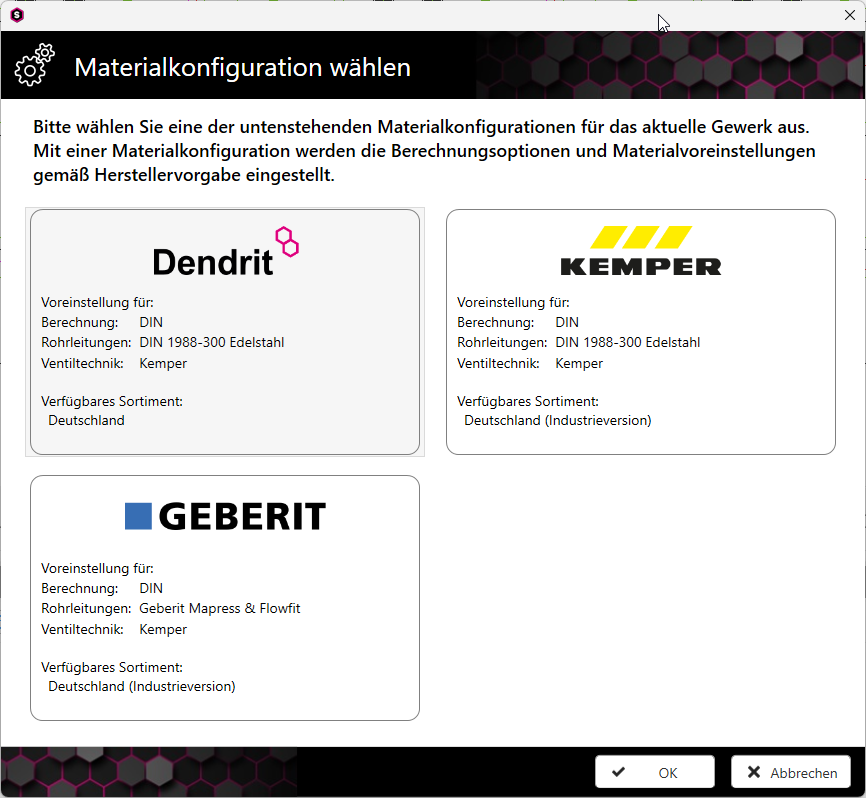
The new material configuration replaces the previous material default settings.
Greater transparency and detailed information on material settings during the material selection process make the effects of each setting clear even before the material is determined. If required, a different material configuration can be set for each trade.
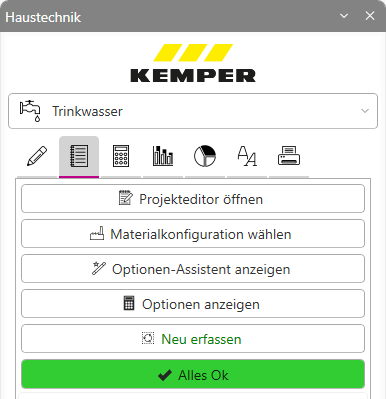
Once the material has been selected, the material configuration set for the respective trade is indicated in the building services toolbar by the display of the manufacturer’s logo.
![]()
Once the material has been selected, the material configuration set for the respective trade is indicated in the building services toolbar by the display of the manufacturer’s logo.