Printer
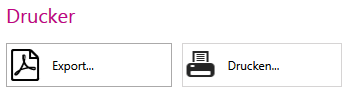
The GAEB export and other print options are available in the Printer area.
You can use the Export GAEB/UGS... button, you can save your currently set view in CSV format, as a text file or GAEB format and UGS format, taking into account the set structure. GAEB 1990 (*.d82,*.d81), GAEB 2000 (*.p82,*.p81) and GAEB XML (*.x82,*.x81) are supported for GAEB export. Click on the Print... button takes you to the mass extract.