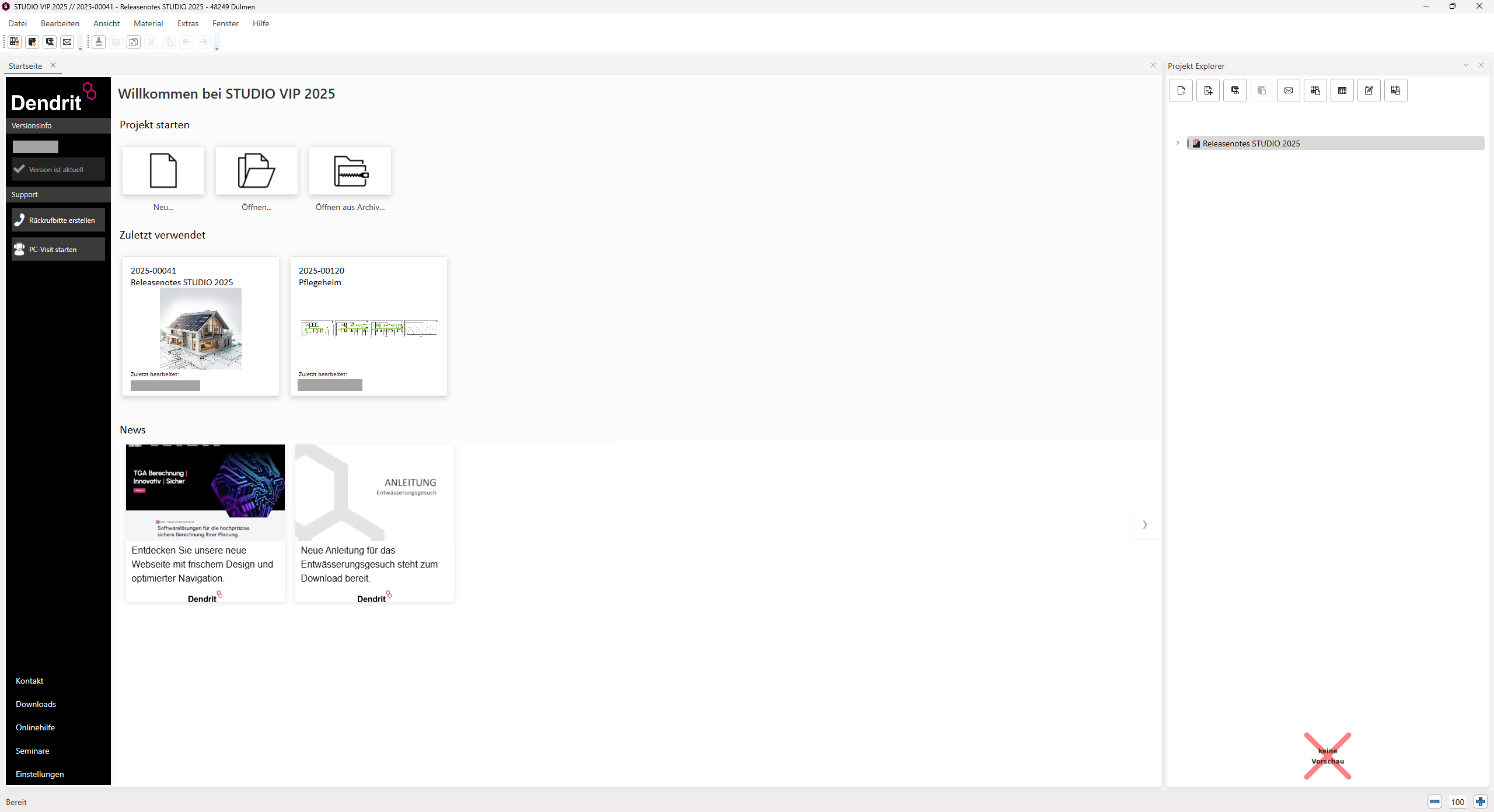
Expansion of project management
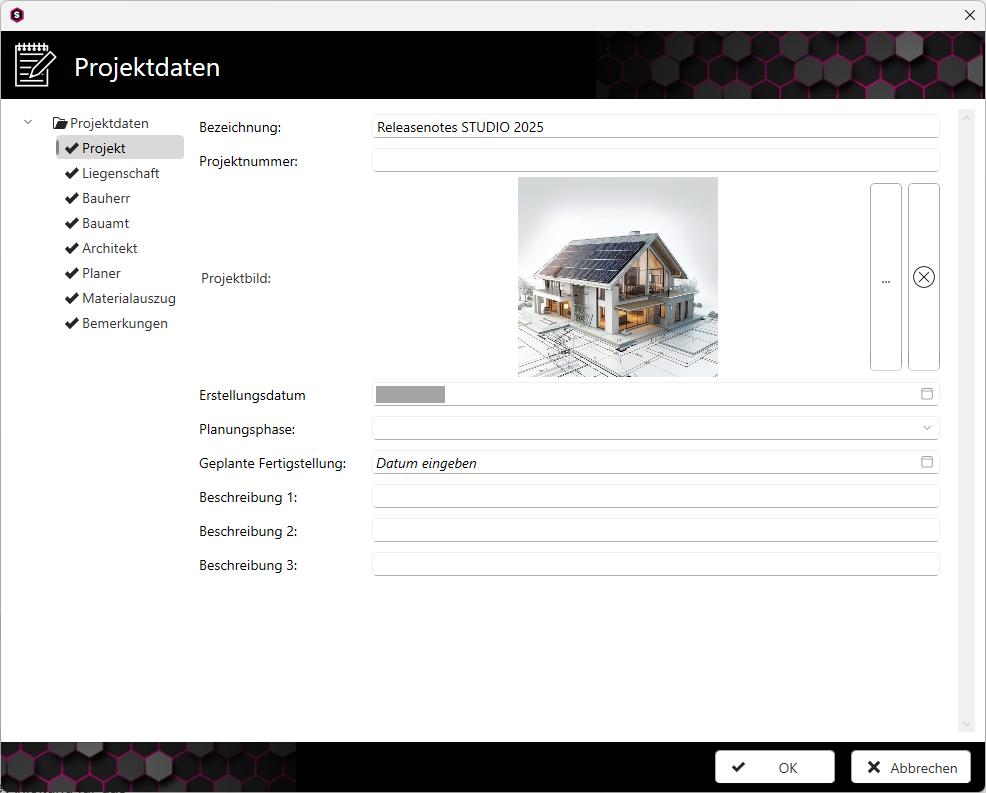
New option in the Project Editor for adding a project image to the cover page
- The project image can be set in the Project Data dialogue box.
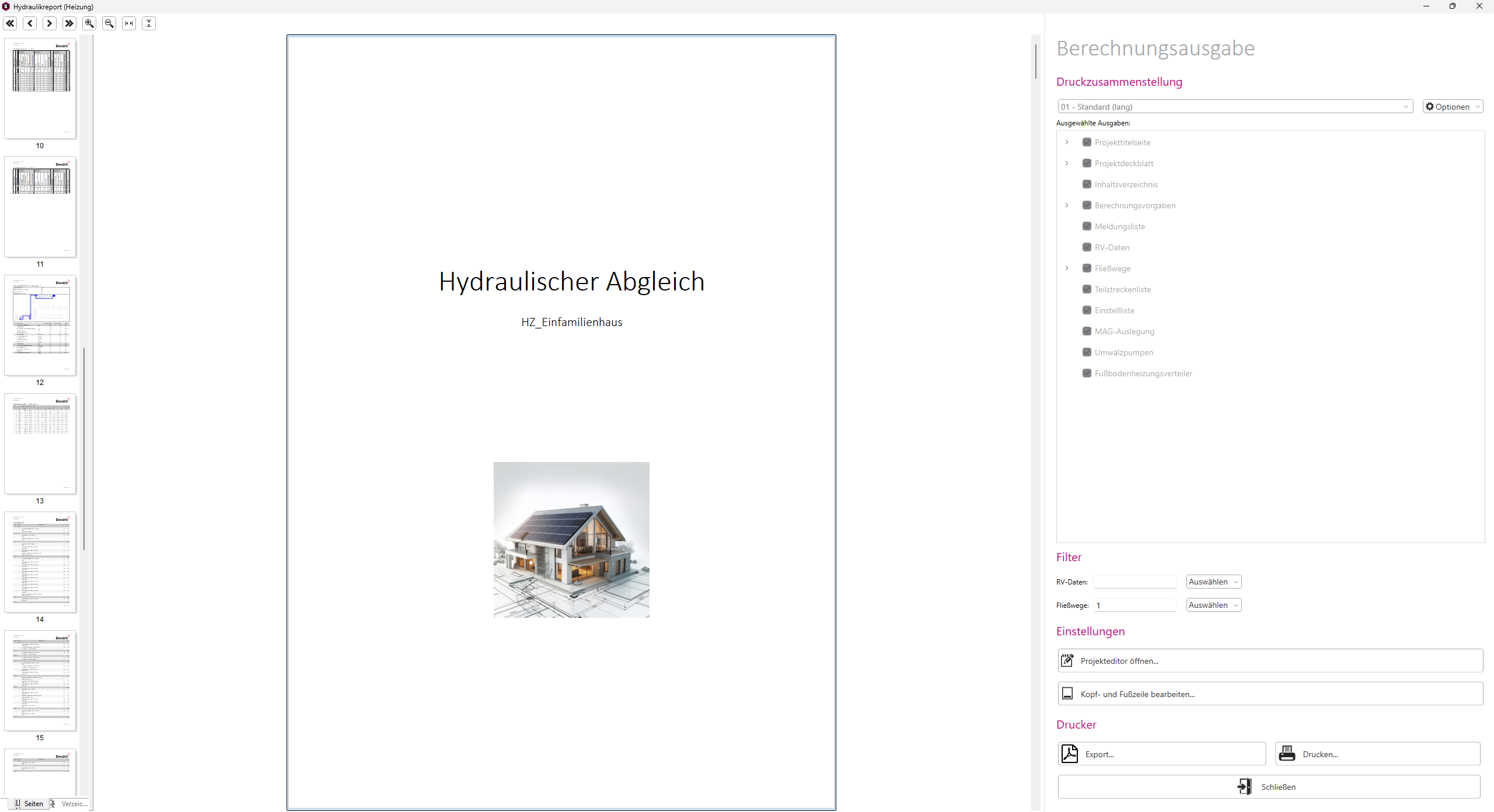
- The project image can then be displayed on the cover page for all printouts.
- In addition, the saved project image is displayed in the project preview on the home page.