
Settings
Make changes to the project cover sheet and the header and footer in the settings of the mass extract.
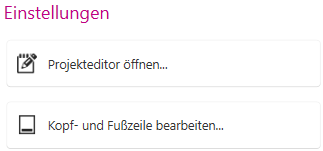
Use the Open project editor... button to open the Project data dialogue.
Use the Edit header and footer... button to open the Project and application settings dialogue and enter and edit the information to be displayed in the header and footer.