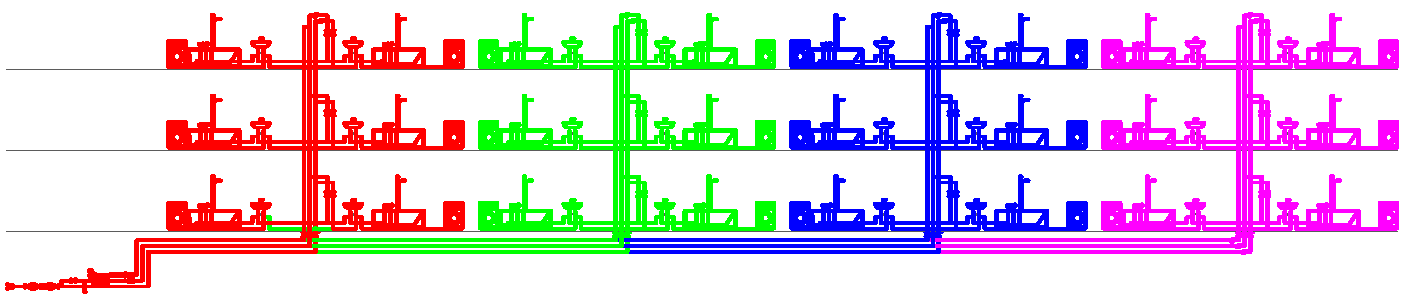
Assigning construction stages
Building sections are assigned in the drawing.
- In the Building Services window, select the Edit tab to enable marking in the drawing.
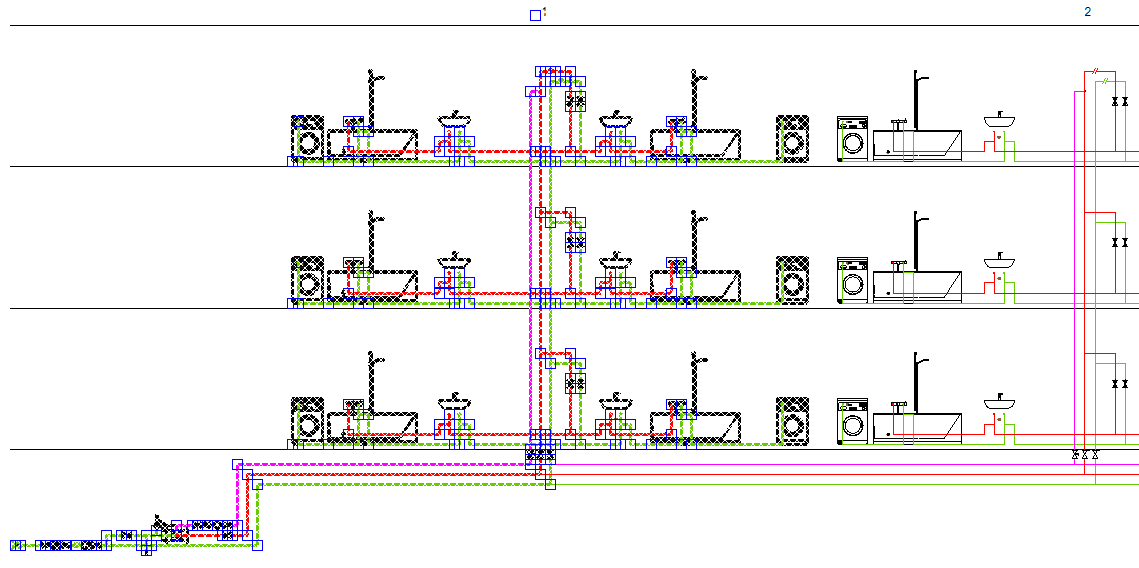
- Select the part of the drawing that you want to assign to a construction stage by dragging a frame.
-
Check that all desired components are selected.
-
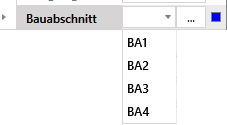
Expand the Construction stage drop-down menu in the section properties and select the construction stage you want to assign.
- Repeat steps 2 to 4 to add further sections.
- When you have added all the sections, click Calculate in the building services toolbar.
-
Then go to the Analyse tab under Collected data and select Construction stage to check the assignment of the construction stages.