
Selecting flow paths in the drawing
In the Select flow paths dialogue, you can select flow paths directly in the drawing.
-
Drag a frame from the left to mark flow paths that lie within the frame.
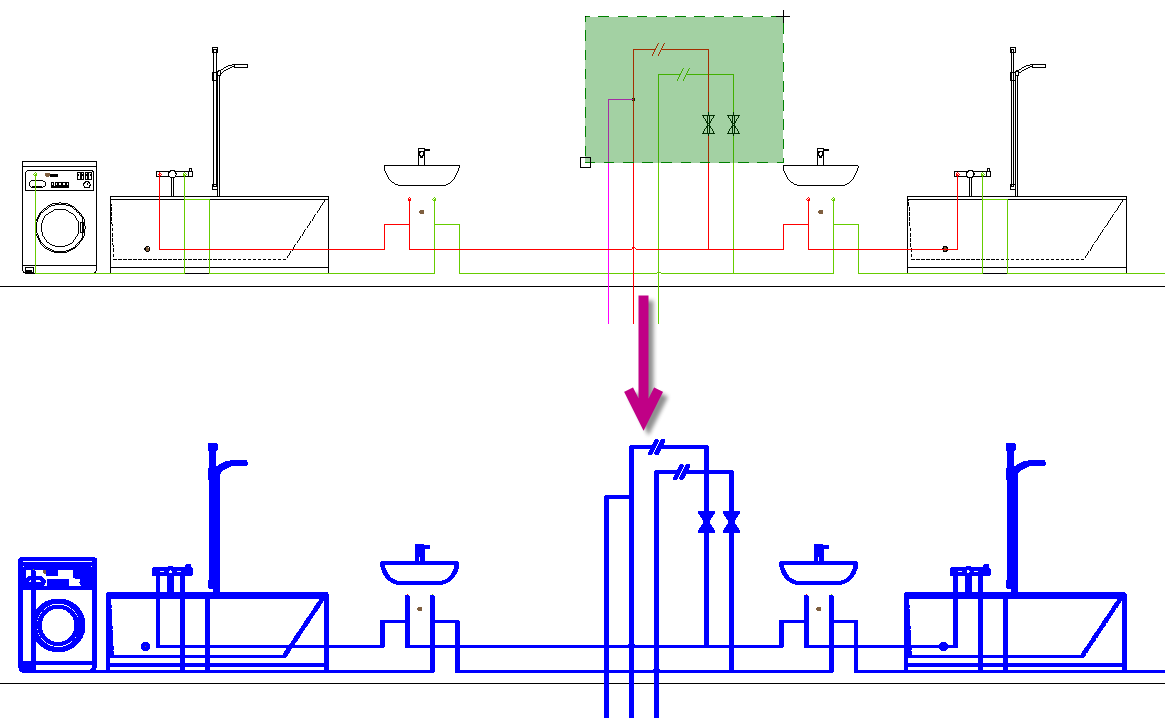 Note:If you have marked an incorrect flow path, you can cancel the selection by holding down the Shift key and clicking on the flow path again.